01
Start from an approved frame
Choose a generated image already connected to the right persona and product references.
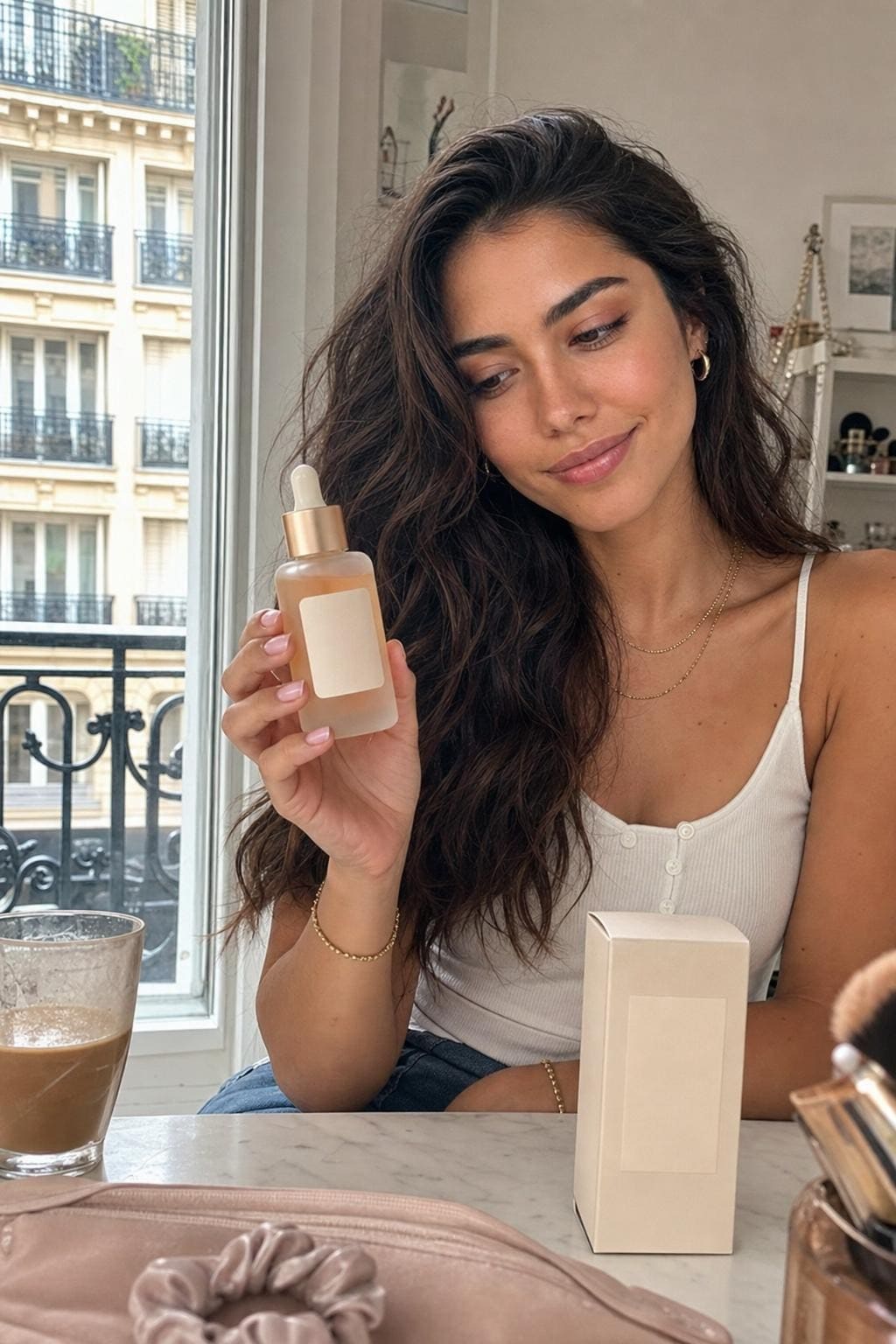
Trendr starts video production from a reviewed image, so the fictional creator, product, setting, and framing are visible before motion begins.
Every workflow connects the initial text brief, a generated fictional identity, selected reusable references, generation settings, review, and delivery.
Choose a generated image already connected to the right persona and product references.
Describe movement, camera behavior, sound, and the action required for the short vertical clip.
Inspect hands, packaging, resemblance, text, motion, and platform suitability before using an output.
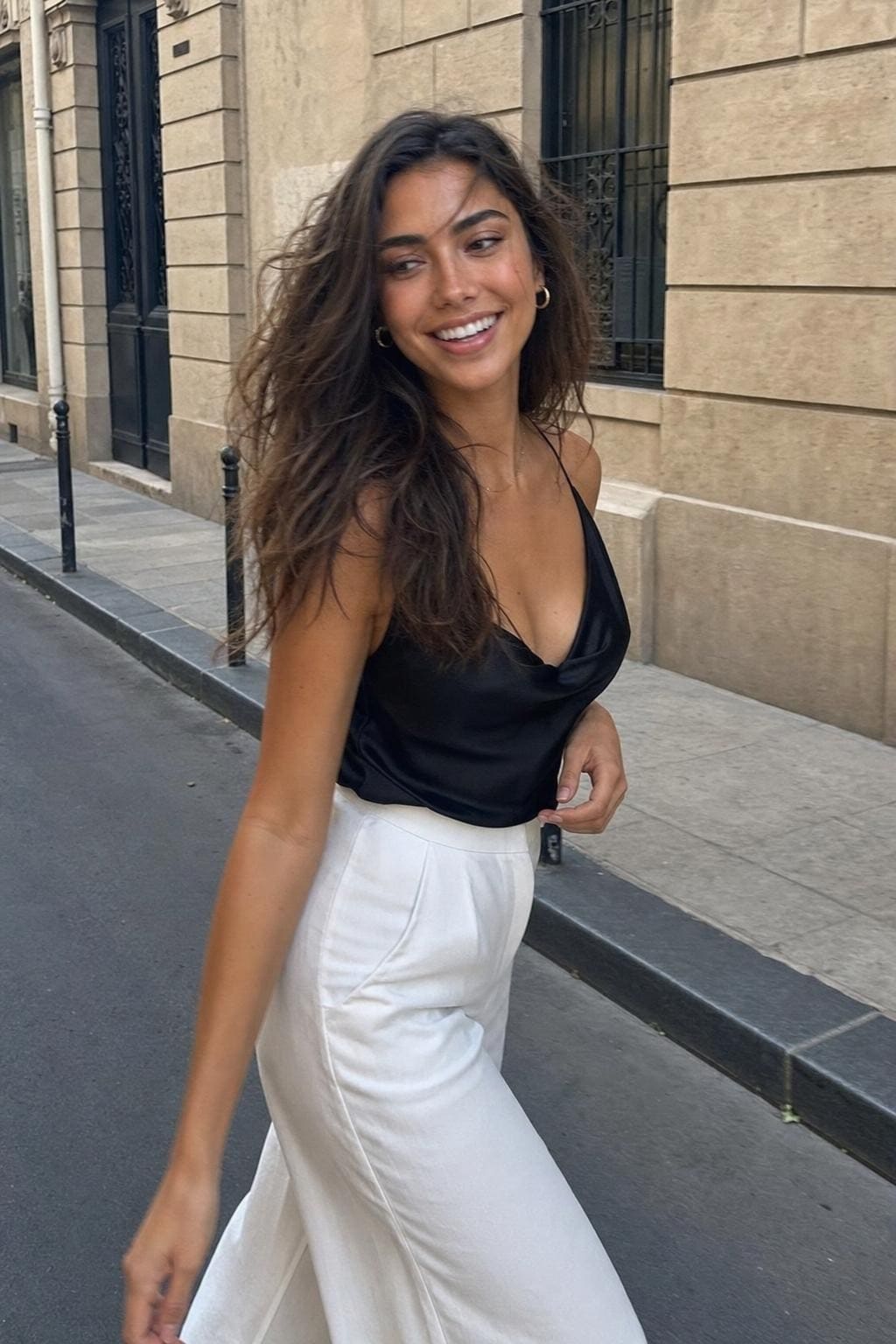
Explore real outputs now, then create your workspace when Trendr opens.